
From Pain to Productivity: Why Remote Access UX Matters for Embedded Linux Device Fleets
Learn how ShellHub improves remote access UX for developers managing embedded Linux, IoT, and distributed device fleets.
Quick summary
- Problem: Remote access often becomes painful when teams rely on VPNs, firewall rules, manual SSH setup, and scattered device information.
- Solution: ShellHub centralizes remote access workflows so developers can reach devices without managing custom tunnels for every environment.
- Best for: Embedded Linux teams, IoT operators, DevOps teams, support engineers, and distributed device fleets.
- Next step: Use ShellHub when remote access needs to be easier to operate, onboard, and scale across many devices.
Why remote access became harder to operate
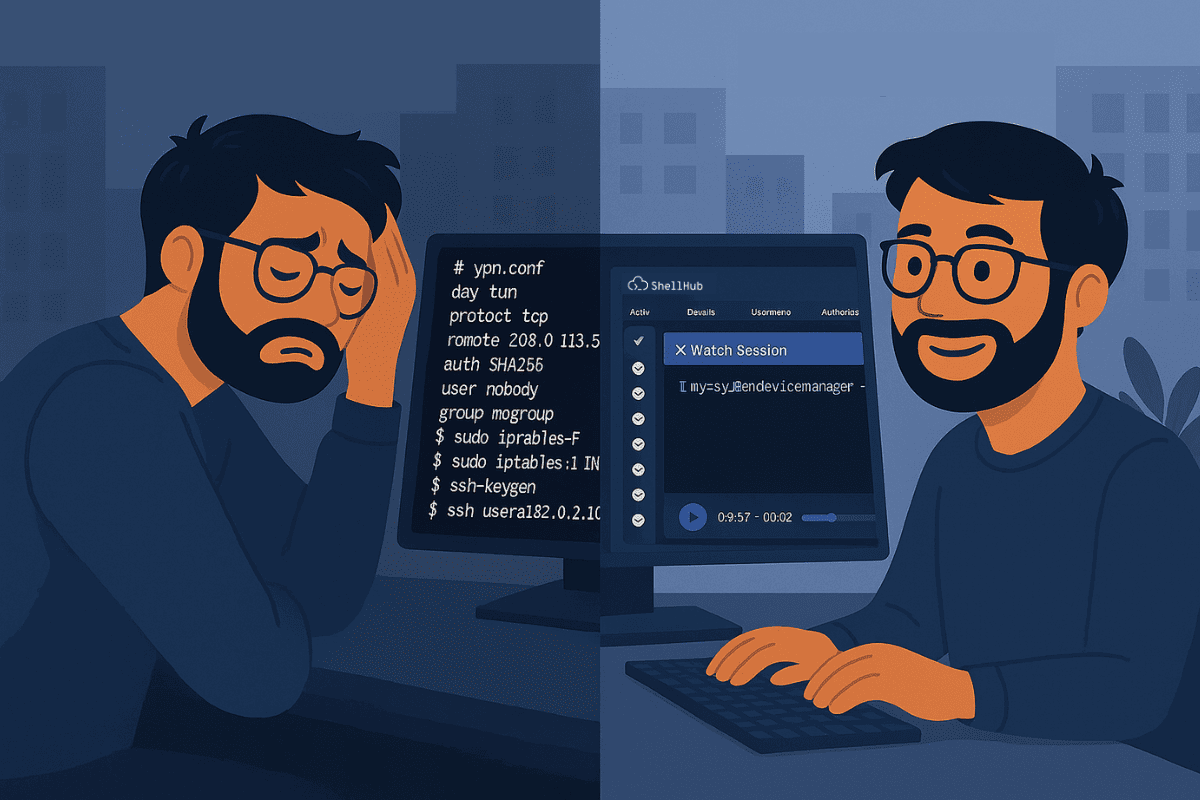
There was a time when accessing a remote machine felt like a mini project.
Setting up a VPN.
Opening the right port.
Configuring firewall rules.
Copying IPs, toggling SSH configs, and hoping nothing breaks in production.
Just to get a terminal on one device.
If you're a developer who’s been around long enough, you remember those days. And you probably don’t miss them.
But here’s the catch: back then, you were dealing with one or maybe ten devices. Today, you're dealing with hundreds, sometimes thousands.
Remote access needs to scale with device fleets
Modern development teams are expected to manage fleets of devices across multiple networks, locations, and environments:
- Edge gateways deployed in remote factories
- IoT devices out in the field
- Embedded boards on production lines
- Containers and VMs across cloud and on-prem setups
In this world, remote access has to scale. It has to be fast, secure, and let’s be honest, usable.
That’s where ShellHub comes in.
What changed in ShellHub v0.19.0
ShellHub was built from the ground up by people who’ve lived the complexity of embedded and remote device access. It reflects the mindset of developers who want to spend less time configuring and more time building.
In ShellHub v0.19.0, the team shipped UX improvements, including:
Better Experience, Smoother Workflow
- Migrated to Vue’s new
<script setup>syntax for better maintainability - Refactored layout logic to reduce friction and navigation lag
- Improved session list view: faster to load, easier to manage
- Notification system overhaul with smarter feedback when actions succeed or fail
This isn’t just UI polish, it’s workflow-aware design that speeds up how you interact with your devices.
How ShellHub improves developer workflows
Let’s face it: modern dev and DevOps teams are juggling more endpoints than ever before. ShellHub helps you:
- Access registered devices without relying on public IPs or custom VPN setup for each environment.
- See your entire fleet organized by namespaces and tags
- Control access with key-based authentication and audit logs
- Connect securely via HTTPS (port 443) — even in NAT’d environments
The platform abstracts all the painful parts of device access so your team can focus on testing, debugging, and deploying, not babysitting tunnels and terminals.
Why UX Matters for Remote Access
It’s not just about pretty screens. A good developer experience means:
- Less time navigating UI, more time solving real problems
- Intuitive workflows that reduce human error
- Faster onboarding for new team members
- Fewer distractions, especially when you’re under pressure to ship
ShellHub’s UX updates aren’t bells and whistles. They’re about getting out of your way so you can do your job.
No More Friction. Just Access.
ShellHub reduces the amount of custom networking and access setup teams need to maintain:
- Designed for teams managing growing device fleets.
- Works across many network environments where devices can establish outbound connectivity.
- Feels like it was built by people who’ve been in the trenches, because it was.
Next step
Want a smoother remote access workflow for your device fleet?
Or read the release notes: