
ShellHub Web Terminal vs SSH Client: Two Ways to Access Remote Linux Devices
When it comes to managing embedded devices and Linux servers, the terminal remains the developer’s tool of choice. Whether you’re debugging IoT fleets, pushing updates to edge devices, or supporting remote infrastructure, you need fast, secure, and flexible access.
ShellHub was built to modernize remote terminal access without compromising the workflows developers love. In this article, we’ll explore the two primary ways you can connect to your devices using ShellHub and why having both options makes your operations more efficient.
Quick summary
- Problem: Teams need secure terminal access to remote Linux devices, often behind NAT, firewalls, or mobile networks.
- Solution: ShellHub supports both browser-based Web Terminal access and native SSH client access.
- Best for: Developers, support teams, DevOps, and embedded Linux teams managing distributed devices.
- Next step: Choose Web Terminal for fast browser access or SSH client access for native CLI workflows.
Why the Terminal Still Matters
The terminal gives you:
✅ Fine-grained control over systems
✅ The ability to automate with scripts
✅ Lightweight remote management without graphical overhead
✅ Portability across environments
But accessing remote terminals securely, especially behind NAT and firewalls, is complex. ShellHub solves this by providing a secure, centralized platform to connect to any registered device.
Two Ways to Access Terminals in ShellHub
ShellHub offers two complementary methods:
1) Web Terminal Overview
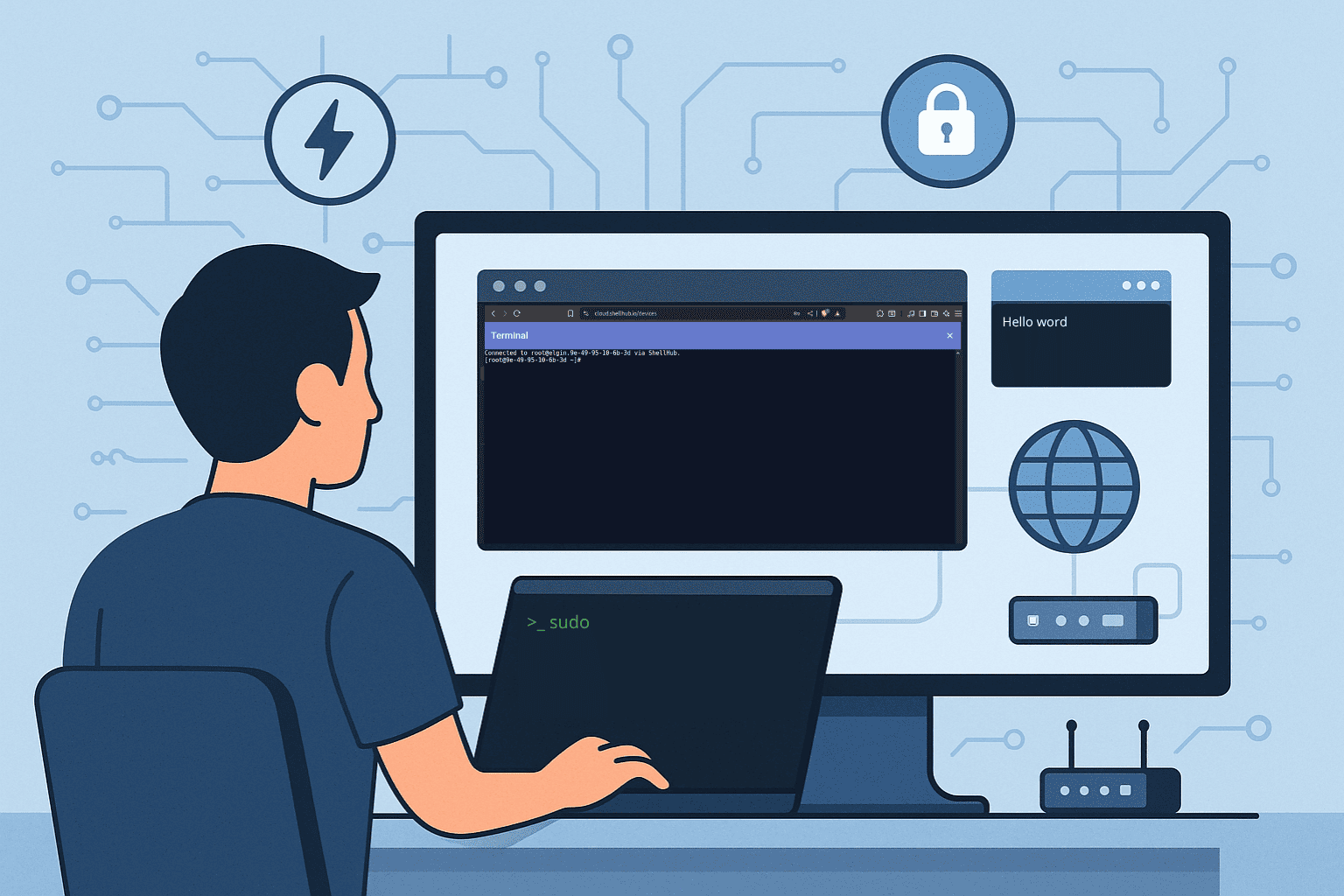
Use your browser to open a fully interactive terminal session, no extra tools required.
How It Works
- Log in to the ShellHub dashboard.
- Navigate to Devices.
- Select the device you want to manage.
- Click the Terminal icon.
- A secure terminal opens in your browser.
When to Use It
- Quick troubleshooting or support tasks.
- When you don’t have your SSH keys handy.
- Providing secure access to colleagues without requiring them to install SSH clients.
Benefits
✅ Zero configuration.
✅ Encrypted TLS session.
✅ Centralized session logs and audit trail.
2) SSH Client Access Overview
Prefer your own terminal and tooling? ShellHub lets you connect via SSH as you normally would.
How It Works
- Log in to the ShellHub dashboard.
- Find the device you wish to access.
- Copy the SSH command ShellHub provides
- Paste the command into your terminal.
- Authenticate with your SSH key or credentials.
When to Use It
- Automating workflows or scripts.
- Running intensive terminal sessions.
- Integrating with DevOps pipelines.
Benefits
✅ Native SSH experience.
✅ No changes to your existing workflows.
✅ Secure and auditable connections.
Feature Comparison
Here’s a quick side-by-side view:
Web Terminal vs SSH Client Access
| Feature | Web Terminal | SSH Client Access |
|---|---|---|
| Access method | Browser-based terminal | Native terminal application |
| Setup required | No local SSH client setup | SSH key or credential configuration |
| Best for | Quick troubleshooting, support, demos, temporary access | Automation, scripting, DevOps workflows, long terminal sessions |
| User experience | Integrated into the ShellHub web interface | Native CLI workflow |
| Security | Browser session protected over HTTPS/TLS | SSH-based access using the configured authentication method |
| Auditability | Centralized session visibility and logs | Centralized session visibility and logs |
| Main trade-off | Less integrated with local terminal tooling | Requires local SSH client and credential setup |
Which option should you choose?
Use Web Terminal when you need quick access from a browser, want to support a device without setting up local SSH tools, or need a simple workflow for troubleshooting.
Use SSH Client Access when you prefer your local terminal, need to run scripts, integrate access into automation, or work with your existing command-line tools.
Same access model, different workflows
No matter how you prefer to work, ShellHub ensures that:
- All sessions are secure and logged.
- Device connectivity works even behind NAT and firewalls.
- You can manage devices at scale with ease.
Next step
Ready to try secure remote terminal access for your devices?
Or explore the documentation:
Read the ShellHub documentation
FAQ
Does ShellHub require devices to expose SSH ports?
No. ShellHub is designed to provide remote access without exposing inbound SSH ports on devices.
When should I use the Web Terminal?
Use the Web Terminal for quick troubleshooting, support tasks, demos, or browser-based access when you do not want to configure a local SSH client.
When should I use SSH Client Access?
Use SSH Client Access when you want the native terminal experience, need scripting, or want to keep using your existing CLI tools.
Does ShellHub work with devices behind NAT or firewalls?
Yes. ShellHub is designed for remote access to devices behind NAT and firewalls by using outbound device connectivity.