
Getting Started with the ShellHub API using Shell Script

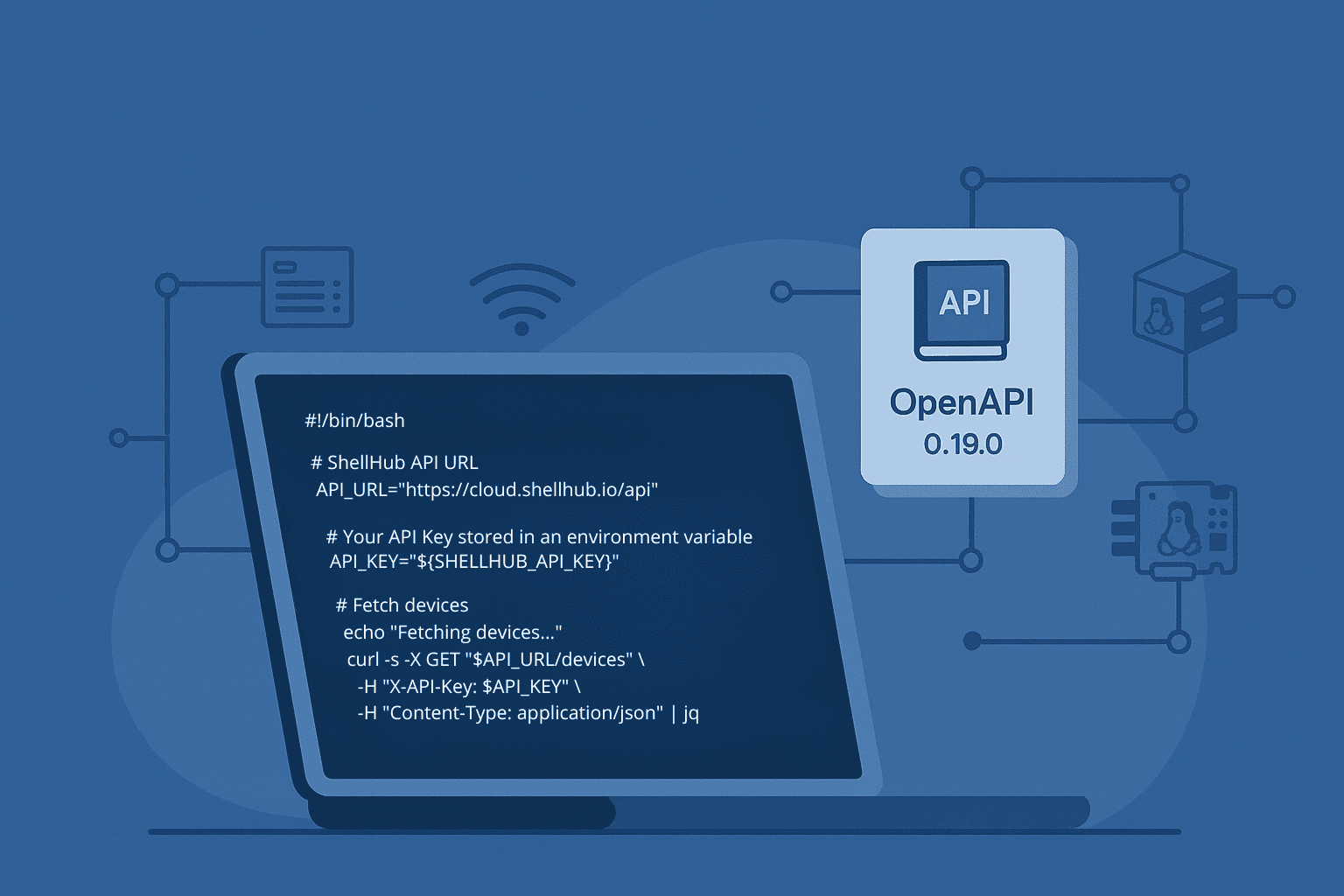
The ShellHub API lets you interact programmatically with devices, users, and sessions. This is useful when you want to automate fleet operations, integrate ShellHub with internal tools, or build scripts around remote access workflows.
In this tutorial, you will create a simple shell script that authenticates with an API key and lists devices from your ShellHub namespace using curl and jq.
Quick summary
- Problem: You need a simple way to interact with ShellHub devices programmatically.
- Solution: Use the ShellHub API with an API key,
curl, andjq. - Best for: Developers and operations teams starting with ShellHub automation.
- Next step: Generate an API key and run a basic script to list devices.
What you will build
By the end of this tutorial, you will have a shell script that:
- reads your ShellHub API key from an environment variable;
- sends an authenticated request to the ShellHub API;
- lists devices from your namespace;
- formats the response with
jq.
Prerequisites
- A ShellHub account
- A valid API Key (Learn how to generate one here)
curlandjqinstalled on your system
Tip: Storing your API Key in an environment variable is a safer practice than hardcoding it into scripts.
Install the prerequisites
Before running the script, make sure you have curl and jq installed on your system.
On Debian or Ubuntu:
sudo apt update
sudo apt install curl jq
On macOS with Homebrew:
brew install curl jqcurl is used to send requests to the ShellHub API, while jq helps format and inspect the JSON response returned by the API.
Example Script
Here’s a minimal script to get started:
#!/bin/bash

API_URL="https://cloud.shellhub.io/api"
API_KEY="${SHELLHUB_API_KEY}"

if [ -z "$API_KEY" ]; then
  echo "Error: SHELLHUB_API_KEY is not set."
  echo "Run: export SHELLHUB_API_KEY='your-api-key'"
  exit 1
fi

echo "Fetching devices..."

curl -s -X GET "$API_URL/devices" \
  -H "X-API-Key: $API_KEY" \
  -H "Content-Type: application/json" | jq
This script will retrieve and list all devices in your namespace.
FAQ
Can I use the ShellHub API with any programming language?
Yes. The API can be used from any language or tool that can send HTTP requests, including shell scripts, Python, Go, Node.js, and CI/CD systems.
Should I hardcode my ShellHub API key in the script?
No. Store the API key in an environment variable or a secret manager. Do not commit API keys to Git repositories.
What can I automate with the ShellHub API?
You can use the ShellHub API to integrate ShellHub with internal tools and automate workflows around devices, users, and sessions. Check the API documentation for available endpoints.
Does this example work with self-hosted ShellHub?
Yes, but you need to change API_URL to match your ShellHub instance URL.
Next Steps
Ready to build your first ShellHub API workflow?