
HTTP Tunnel for Remote Device Web Access in ShellHub Enterprise
ShellHub Enterprise HTTP Tunnel lets teams access web services on remote devices from a browser without VPNs or port forwarding.

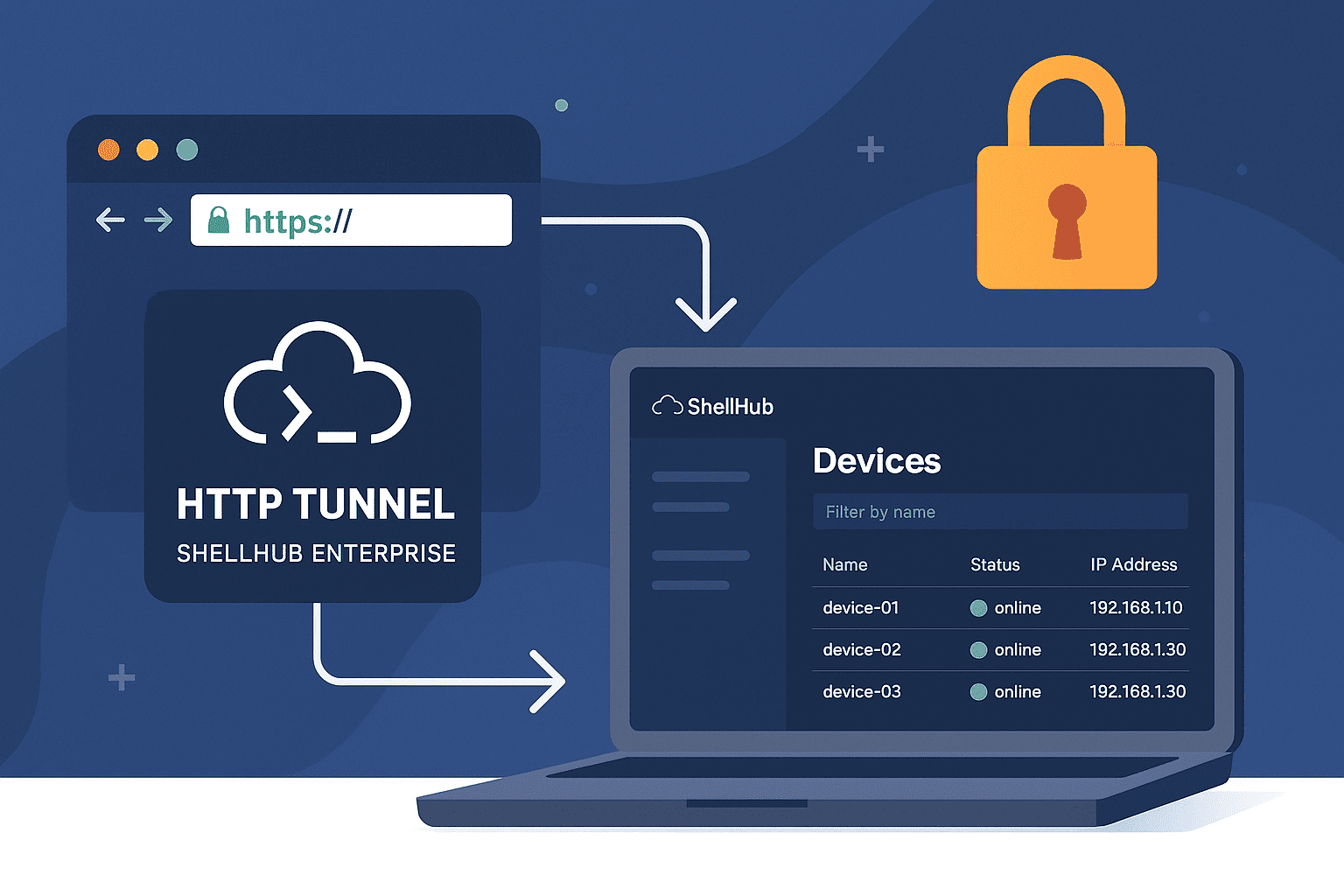
In today's fast-paced, security-driven environment, businesses require efficient and reliable remote access solutions. To address this need, ShellHub Enterprise HTTP Tunnel provides browser-based access to HTTP services running on remote devices through the ShellHub access layer. This can reduce the need for VPN setup or manual port forwarding, while keeping access controlled through ShellHub Enterprise.
Quick summary
- Problem: Teams often need browser access to web services running on remote devices, but VPNs and manual port forwarding add complexity.
- Solution: ShellHub Enterprise HTTP Tunnel provides browser-based access to remote HTTP services through the ShellHub platform.
- Best for: Embedded Linux teams, IoT operators, support engineers, DevOps teams, and enterprise device fleets.
- Next step: Use HTTP Tunnel when you need controlled access to a remote device web interface without exposing the device directly.
What is the ShellHub Enterprise HTTP Tunnel?
The HTTP Tunnel allows seamless and secure access to web-based applications hosted on devices running the ShellHub Agent. Unlike traditional SSH port forwarding, which requires manual setup and exposes potential vulnerabilities, the HTTP Tunnel offers an encrypted, browser-based connection that is both simple and secure. This feature is particularly beneficial for companies managing a large fleet of remote devices, ensuring quick and safe access to their web interfaces.

Key Benefits for Enterprises
- Simplified Access: The HTTP Tunnel enables remote exposure of web applications, such as control panels and administrative dashboards, without requiring VPNs or intricate network configurations.
- Enhanced Security: ShellHub encrypts all connections, even if the original service does not provide native encryption. This helps protect access to remote services, even when the original service does not provide native encryption.
- Operational Flexibility: Whether accessing IoT device APIs, testing webhooks, or performing real-time monitoring, the HTTP Tunnel adapts to various business needs.
How HTTP Tunnel works
Setting up an HTTP Tunnel is straightforward. From the ShellHub interface, users select the target device, specify the host address and port where the service runs, and define the tunnel’s lifespan (either time-limited or permanent). Once configured, ShellHub generates a secure URL that can be accessed directly via a web browser, streamlining device management and monitoring.
See how ShellHub’s HTTP Tunnel lets you securely access web interfaces on remote devices, no VPN required.
Exclusive to ShellHub Enterprise Customers
The HTTP Tunnel is an exclusive feature available only in ShellHub Enterprise. Unlike traditional software, ShellHub Enterprise is designed to support deployments of any size — from just a few devices to large-scale fleets. This means that even smaller teams can benefit from advanced security capabilities tailored to their remote access needs, without compromising flexibility or control. This makes HTTP Tunnel useful for teams that need controlled browser access to remote web services while keeping access managed through ShellHub Enterprise.
Experience the HTTP Tunnel for Your Business
If your company struggles with secure and efficient remote access, ShellHub Enterprise HTTP Tunnel can help simplify browser-based access to remote device services. Contact us to schedule a personalized demo and see how this feature fits your remote device management workflow.
Next step
Need browser-based access to web services running on remote devices?
Request a ShellHub Enterprise demo
Read the HTTP Tunnel documentation
Or contact the team: