
Session Recording for Secure Remote SSH Access with ShellHub
In today’s world of distributed infrastructure and connected devices, remote access is no longer a luxury; it’s a necessity. And with that necessity comes risk: industrial systems, healthcare, finance, and critical infrastructure all face growing security and compliance pressures.
That’s where Session Recording becomes essential.
ShellHub’s Session Recording feature, available in Cloud and Enterprise editions, helps organizations maintain visibility, accountability, and compliance across their remote access operations.
Quick summary
- Problem: Remote access to devices creates audit, compliance, and accountability challenges.
- Solution: ShellHub Session Recording captures terminal activity so teams can review what happened during remote sessions.
- Best for: Security teams, DevOps, SREs, support teams, managed service providers, and regulated environments.
- Next step: Use Session Recording when remote access needs reviewability, traceability, and stronger operational oversight.
What Is Session Recording?
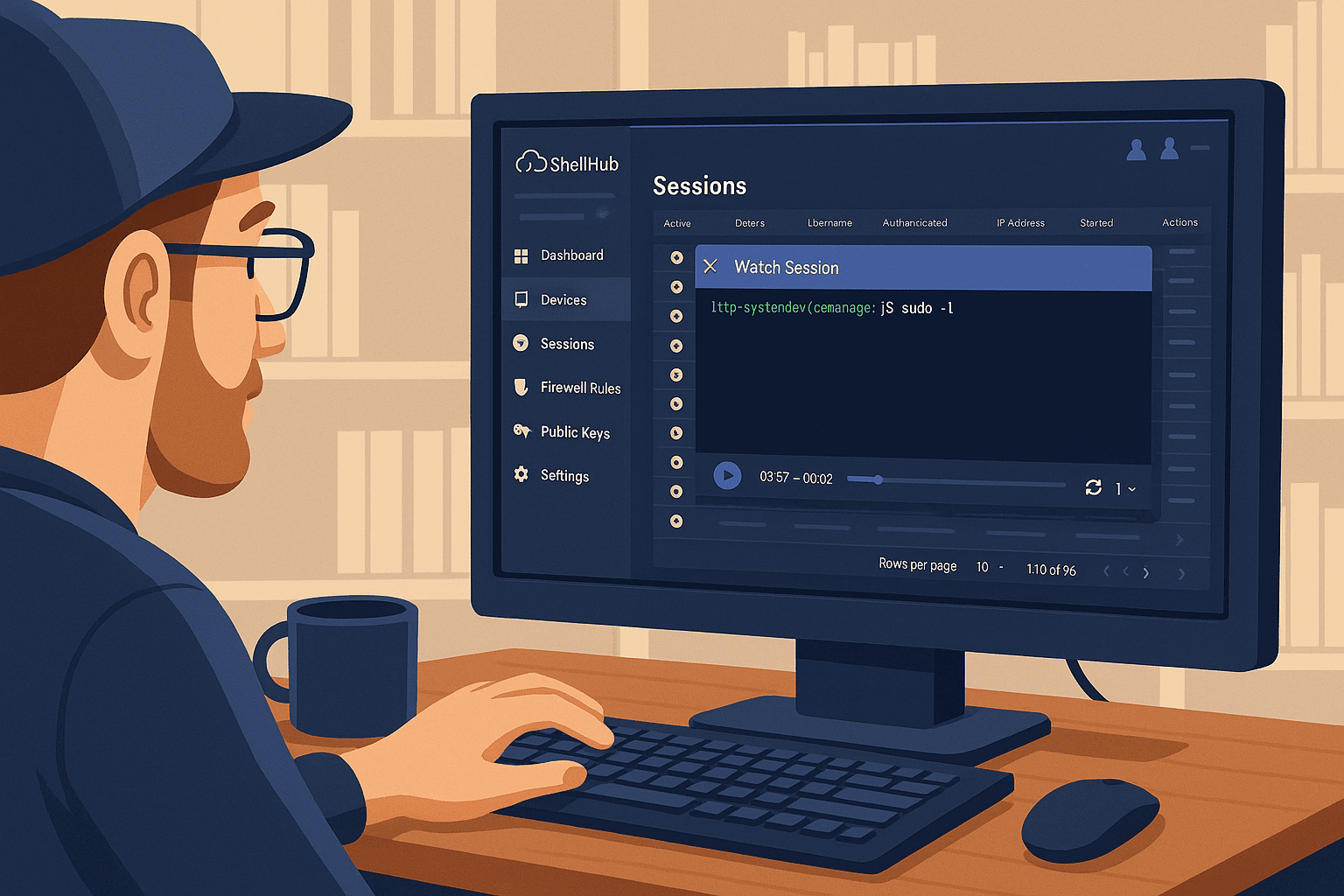
Session recording allows you to capture and store the full terminal activity of remote sessions, including every command typed, every action taken, and the session’s duration.
It’s like having a time-stamped, replayable log of every support or engineering session performed via ShellHub.
Why It Matters, Now More Than Ever
1. Auditability for Compliance
Many industries must adhere to strict regulations (e.g., ISO 27001, HIPAA, GDPR, SOX) that require:
- Proof of who accessed what
- When the access occurred
- What actions were taken
Session recording can help teams collect evidence for audits and internal reviews, but compliance requirements depend on each organization’s controls, policies, and environment.
2. Security Incident Forensics
In case of a breach, misconfiguration, or suspicious behavior, recorded sessions provide clear evidence to:
- Understand what went wrong
- Reconstruct attacker behavior or human error
- Accelerate root cause analysis and incident response
No more guessing what happened in the terminal, you’ll have full visibility.
3. Internal Accountability and Oversight
Even trusted engineers can make mistakes. Session recording:
- Deters careless or malicious activity
- Encourages best practices during remote troubleshooting
- Helps team leads and managers review critical interventions without micromanaging
4. Training and Knowledge Transfer
Want to show junior engineers how to run a device fix or troubleshoot an issue?
Use past recorded sessions as real-world, hands-on training materials; no need to recreate walkthroughs manually.
5. Client Transparency in Managed Services
If you offer device management as a service, being able to prove exactly what your team did (and didn’t do) adds a powerful layer of trust.
Session recording becomes part of your service-level documentation.
How ShellHub Session Recording works
With ShellHub, session recording is part of the remote access workflow. Teams can review recorded terminal sessions, connect activity to users and devices, and use those records for troubleshooting, audits, and incident review.
- No extra agents or third-party software
- Securely stored and encrypted
- Easily filterable by namespace, user, or time range
- Integrated with access control and audit logs
- Works in Cloud or private Enterprise deployments
The Bottom Line
In a world where remote access is essential, visibility and accountability are non-negotiable.
With ShellHub’s Session Recording, you gain the ability to:
- Trust your team’s access
- Prove your compliance
- Respond faster when things go wrong
Next step
Ready to improve visibility over remote terminal access?
Learn how to activate Session Recording
Or explore ShellHub Enterprise: